
GEO是AI时代的新概念,类似传统SEO,通过AI平台API提问并统计品牌在生成答案中的提及次数,衡量品牌在AI内容中的可见度。

微信扫一扫

GEO 检测:通过 DeepSeek 接口查询品牌可见度

原创 小俞 爱名网(22科技集团)
关注
8
2小时前

GEO 检测:通过 DeepSeek 接口查询品牌可见度

GEO(Generative Engine Optimization)是 AI 时代的新概念,类似于传统 SEO。其核心思路是:通过 AI 平台的 API 接口,向模型提出用户可能提问的问题,然后从返回的答案中统计品牌被提及的次数,从而衡量品牌在 AI 生成内容中的可见度。

本文以 DeepSeek 为例,介绍简单的实现流程。


1. 获取 API Key

访问 DeepSeek 开放平台的 API Keys 管理页面,点击「创建 API Key」,按提示完成创建并记录生成的 Key,用于后续调用。


2. 调用 DeepSeek API 获取回答

使用 Python 调用 DeepSeek 的 Chat API,将提问的问题作为输入,获取接口返回的答案:

from openai import OpenAI

client = OpenAI(
    api_key="sk-APIKEY",
    base_url="https://api.deepseek.com",
)
modelId = "deepseek-v4-pro"

def chat(prompt: str, model: str = modelId) -> str:
    response = client.chat.completions.create(
        model=model,
        messages=[
            {"role": "user", "content": prompt},
        ],
    )
    return response.choices[0].message.content

if __name__ == "__main__":
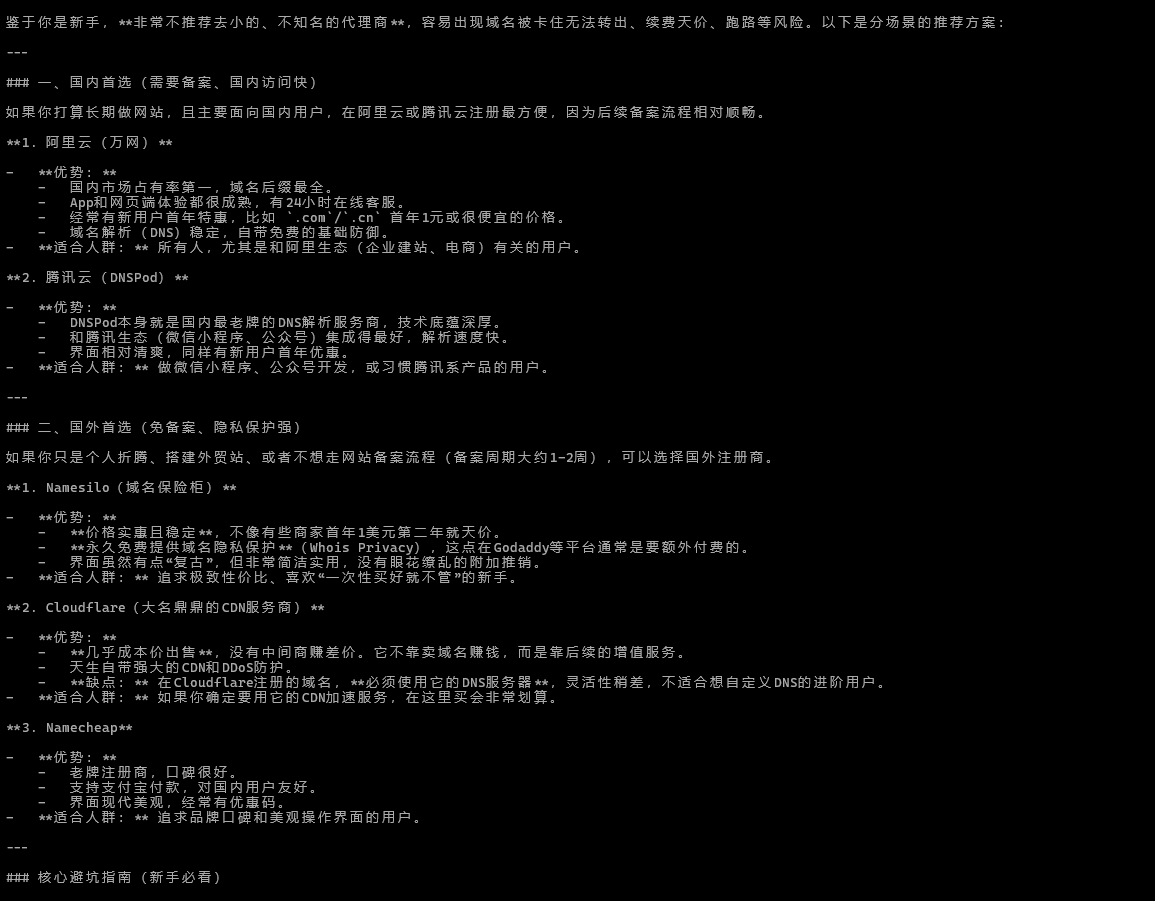
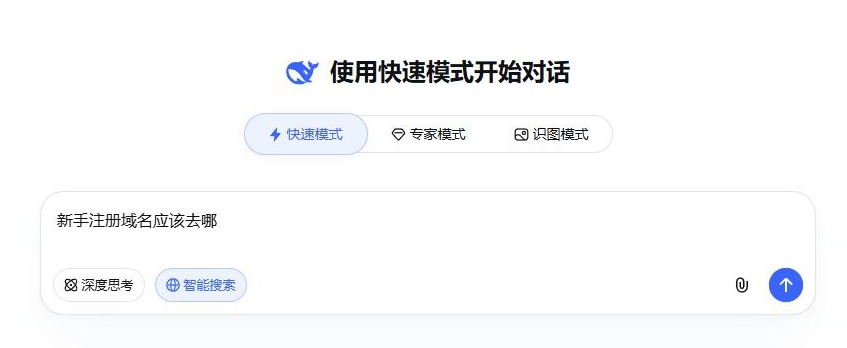
    result = chat("新手注册域名应该去哪")
    print(result)

运行后可获取 API 返回的答案:


3. 统计关键词出现次数并高亮

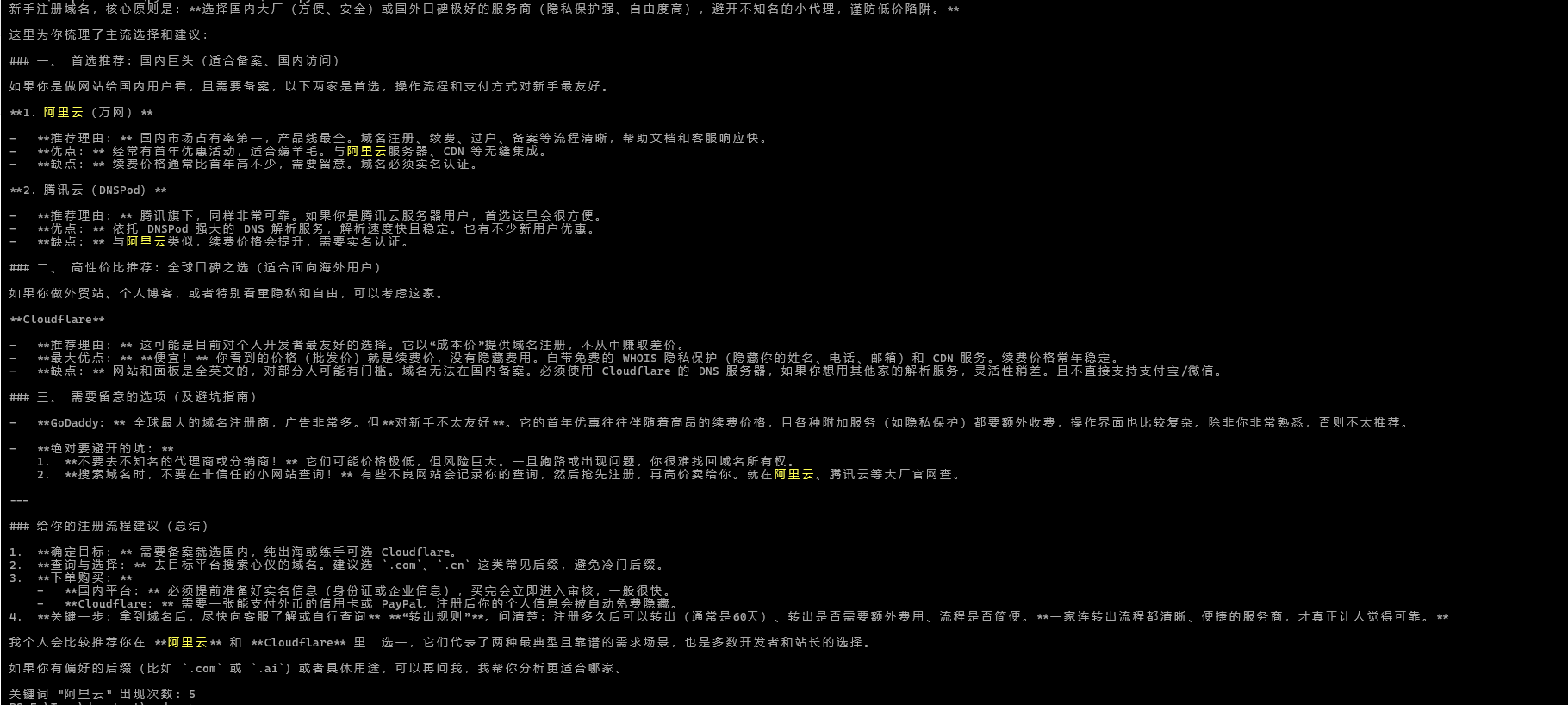
对返回内容进行关键词匹配,统计品牌被提及的次数,并在终端中高亮显示:

def highlight(text: str, keyword: str) -> tuple[str, int]:
    count = text.count(keyword)
    highlighted = text.replace(keyword, f"\033[93m{keyword}\033[0m")
    return highlighted, count

keyw = "阿里云"
highlighted, count = highlight(result, keyw)
print(highlighted)
print(f'\n关键词 "{keyw}" 出现次数: {count}')


4. 获取引用来源网址

GEO 中另一个重要指标是引用的网址。可以通过 system 角色设定 AI 的回答模式,要求其在回答末尾附带引用来源:

import re

systemPrompt = """请根据用户的问题进行搜索并给出详尽全面的回答。
在问题回答的结尾,使用<#search_results#><#search_results#>包含所有引用来源,至少提供5个不同的引用来源。
格式为:
[{"site": "网站名称", "title": "文章标题", "url": "链接地址"}]"""

def chat(prompt: str, model: str = modelId) -> str:
    response = client.chat.completions.create(
        model=model,
        messages=[
            {"role": "system", "content": systemPrompt},
            {"role": "user", "content": prompt},
        ],
    )
    return response.choices[0].message.content

result = chat("新手注册域名应该去哪")

match = re.search(r'<#search_results#>(.*?)<#search_results#>', result, re.DOTALL)
if match:
    body = result[:match.start()].strip()
    sources = match.group(1).strip()
    print("\n--- 引用来源 ---")
    print(sources)


5. 总结

  • 可通过调整 systemPrompt 的提示词,使结果更接近网页搜索内容
  • 可适当调整 top_p, temperature等参数,使回答更符合预期
  • 也可同时调用多个 AI 模型,对比筛选出最接近真实搜索结果的回答
  • 结合关键词出现次数和引用来源,即可量化评估品牌在 AI 生成内容中的可见度
分享 0 曝光 182 浏览 8 互动 0

获取域名与品牌保护服务

请告诉我在域名、商标、品牌或知识产权保护等需求或遇到的问题,我们会尽快联系您,为您提供最优质的服务。

提交成功,感谢您的参与

支持 反馈 管理

长按下方二维码,加我微信

微信号
复制微信号

打开微信加我好友

爱名网

通过微信关注公众号